mac pfctl 端口转发
pfctl
https://ift.tt/2Bv8po6
https://ift.tt/2QCUpTt
https://ift.tt/2BtwdII
sudo pfctl -vnf /etc/pf.anchors/zeronet
添加
rdr pass on lo0 inet proto tcp from any to any port = 23333 -> 127.0.0.1 port 5000
sudo pfctl -vnf /etc/pf.anchors/zeronet
sudo pfctl -d
sudo pfctl -f /etc/pf.conf
sudo pfctl -e
本来访问 http://127.0.0.1:5000
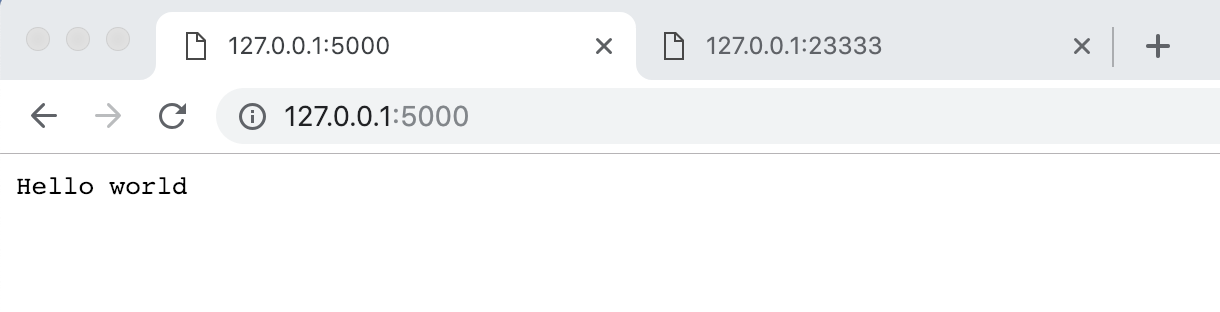
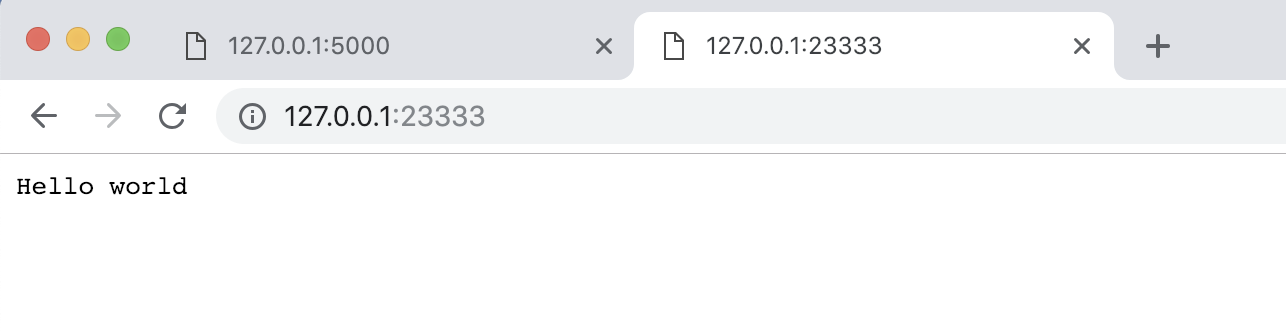
现在访问 http://127.0.0.1:23333
ipfw
https://ift.tt/2QCsWkJ
socat
之后再说。
%23%20mac%20pfctl%20%E7%AB%AF%E5%8F%A3%E8%BD%AC%E5%8F%91%0A%0Apfctl%0A%0Ahttps%3A%2F%2Fblog.brianjohn.com%2Fforwarding-ports-in-os-x-el-capitan.html%0A%0Ahttps%3A%2F%2Fmy.oschina.net%2F91jason%2Fblog%2F546711%0A%0Ahttps%3A%2F%2Fwww.macworld.co.uk%2Fhow-to%2Fmac-software%2Fhow-open-specific-ports-in-os-x-1010-firewall-3616405%2F%0A%0A%60%60%60shell%0Asudo%20pfctl%20-vnf%20%2Fetc%2Fpf.anchors%2Fzeronet%0A%60%60%60%0A%0A%E6%B7%BB%E5%8A%A0%0A%0A%60%60%60%0Ardr%20pass%20on%20lo0%20inet%20proto%20tcp%20from%20any%20to%20any%20port%20%3D%2023333%20-%3E%20127.0.0.1%20port%205000%0A%60%60%60%0A%0A%60%60%60%0Asudo%20pfctl%20-vnf%20%2Fetc%2Fpf.anchors%2Fzeronet%0Asudo%20pfctl%20-d%0Asudo%20pfctl%20-f%20%2Fetc%2Fpf.conf%0Asudo%20pfctl%20-e%0A%60%60%60%0A%0A%E6%9C%AC%E6%9D%A5%E8%AE%BF%E9%97%AE%20%60http%3A%2F%2F127.0.0.1%3A5000%60%0A%0A!%5B%5D(https%3A%2F%2Fi.loli.net%2F2018%2F12%2F18%2F5c18bbed0702e.png)%0A%0A%E7%8E%B0%E5%9C%A8%E8%AE%BF%E9%97%AE%20%60http%3A%2F%2F127.0.0.1%3A23333%60%0A%0A!%5B%5D(https%3A%2F%2Fi.loli.net%2F2018%2F12%2F18%2F5c18bc3080b35.png)%0A%0A%0A%0Aipfw%0A%0Ahttps%3A%2F%2Fblog.csdn.net%2Fw6611415%2Farticle%2Fdetails%2F51912785%0A%0Asocat%0A%0A%E4%B9%8B%E5%90%8E%E5%86%8D%E8%AF%B4%E3%80%82
评论
发表评论